Tuesday, October 22, 2013
Skymonetizer.com - how to start work and make money?
1. Registration is available here: http://skymonetizer.com/register/2. After approve your account login on the first page: http://skymonetizer.com and going to the admin area.
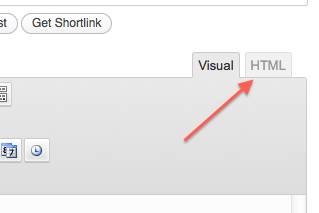
3. Click on the button “Promo” and choose type of the promo for your site:
It may be buttons, youtube buttons, landing pages or promo blocks
4. Choose promo type and click “get code”:
5. Do you need copy code from this window and put on your site where you want your banner to appear. This code will have your affiliate link already added to it.

Subscribe to:
Post Comments (Atom)
No comments:
Post a Comment